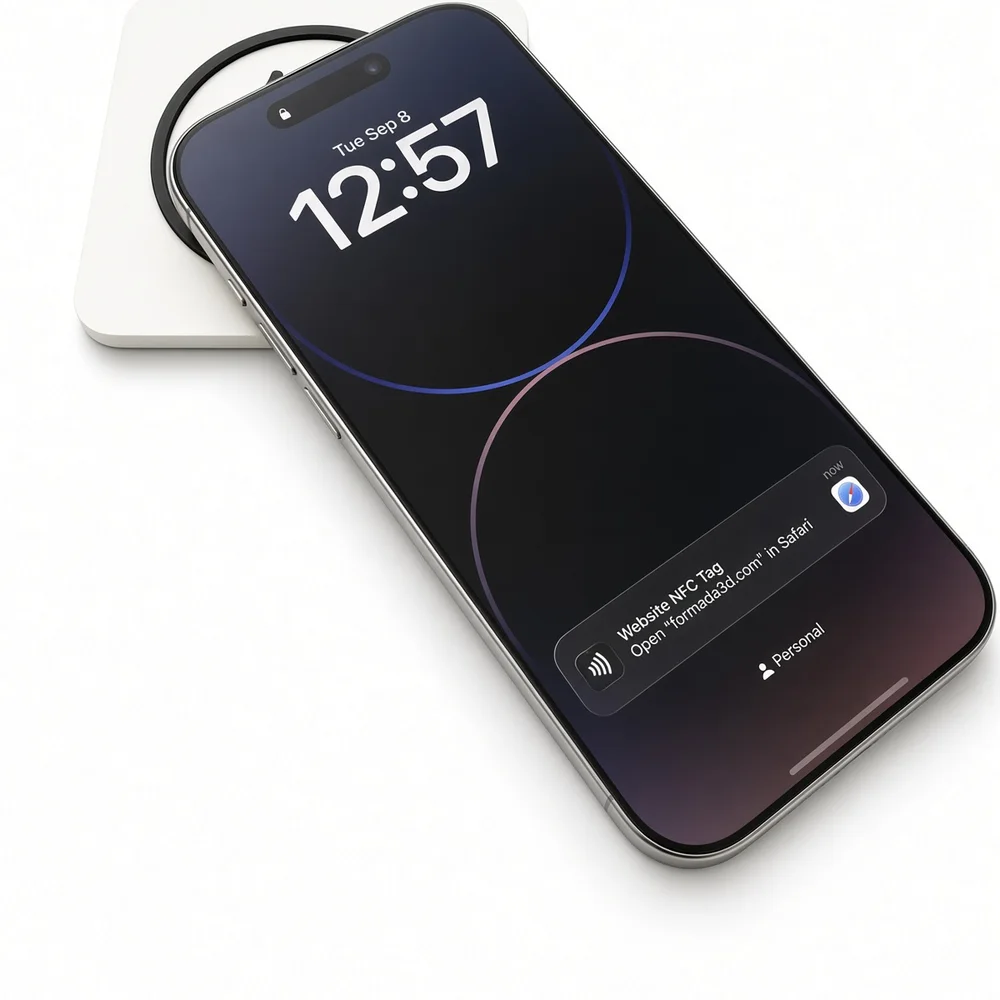
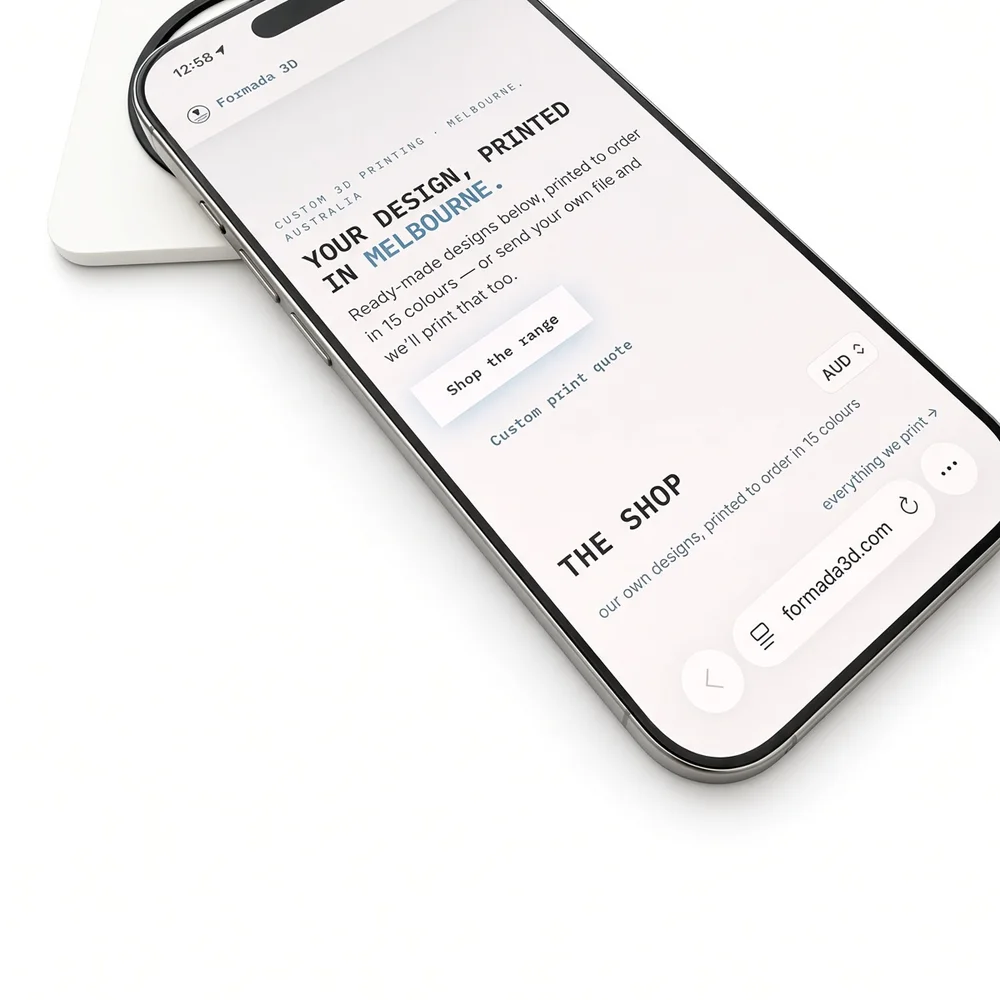
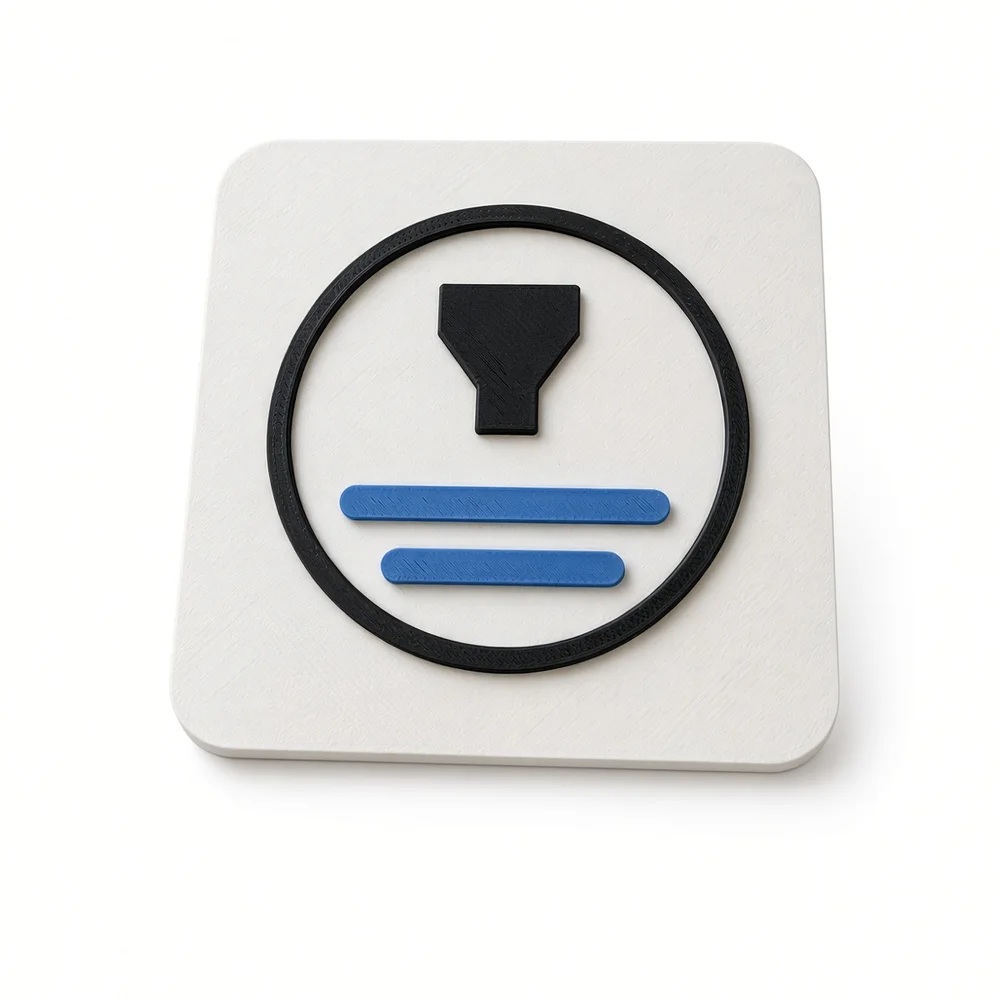
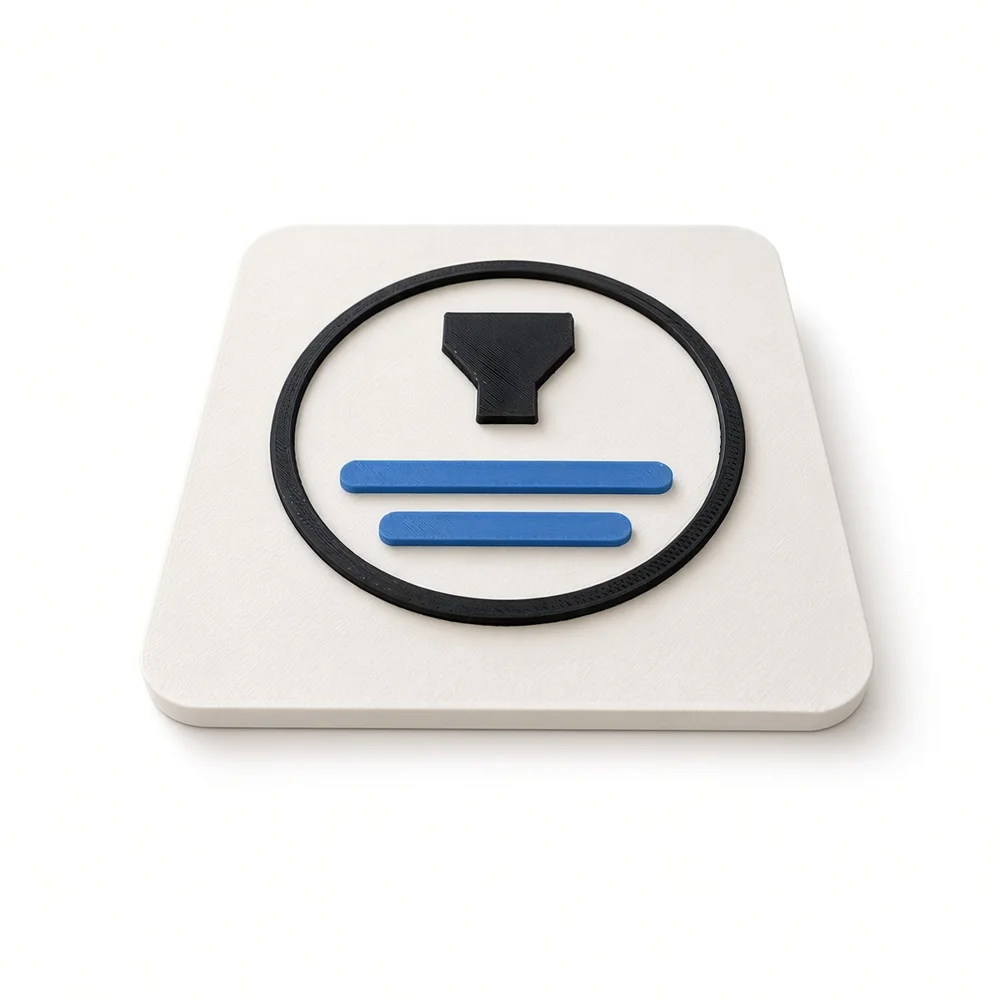
An NFC logo plaque is a 3D printed plaque of your logo with a small NFC tag hidden in the back — a customer taps a phone on it and the web address you chose opens instantly. No app, no QR code to line up, no typing. That address can be your menu, your Google review page, a booking form, a Wi-Fi login, a digital business card or a product page, and you can change it later without touching the plaque. Design one for free in the Business Logo Maker: it becomes a 4 mm plate with a Ø25.6 × 1.4 mm pocket in the back for a standard 25 mm NTAG213 sticker, printed to order in Melbourne in Bambu Lab PLA and shipped Australia-wide in 3–5 days, or downloaded free as an STL/3MF.
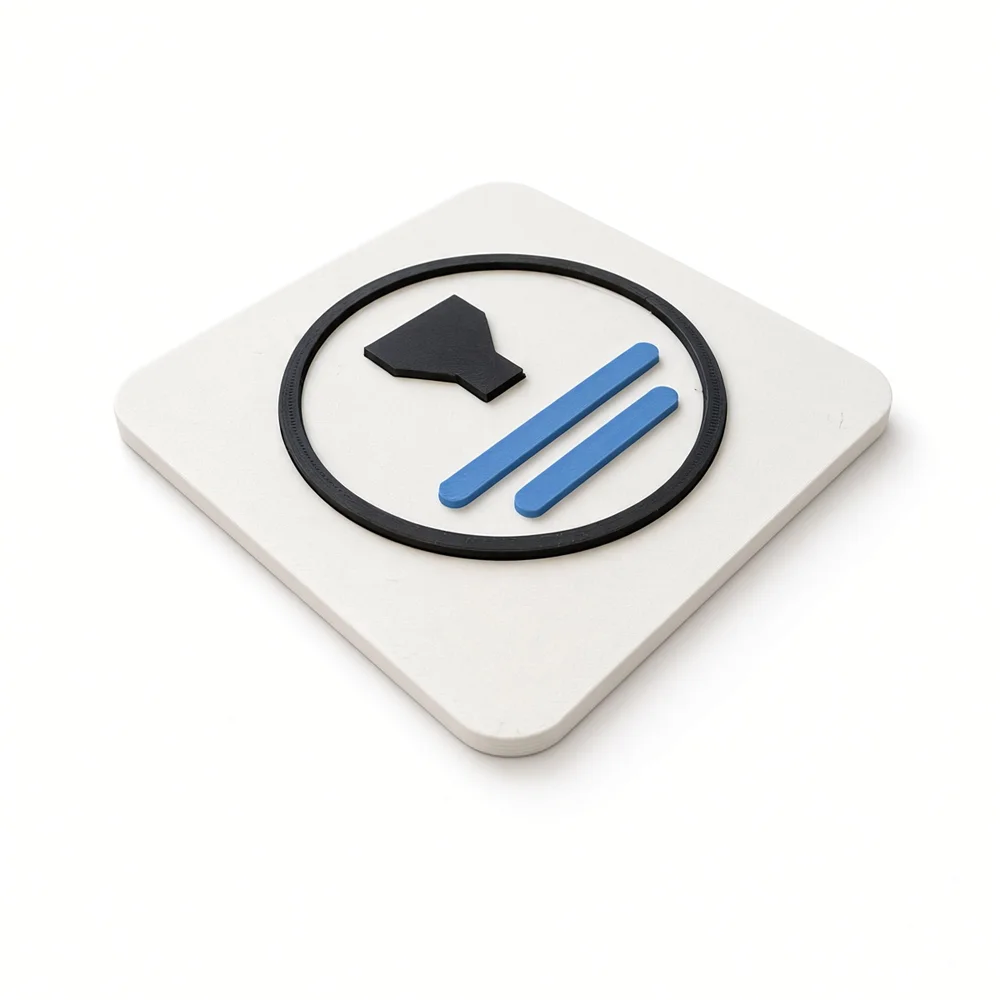
How does an NFC logo plaque actually work?
NFC (Near Field Communication) is the same short-range radio your phone already uses to pay at a terminal. The tag in the plaque has no battery — the phone powers it for the instant they touch, reads the tiny bit of text stored on it, and acts on it. When that text is a web address written as an NDEF URL record, the phone shows a banner and opens the link.
In the plaque, that tag is a 25 mm NTAG213 sticker sitting in a Ø25.6 × 1.4 mm recess in the back, with 2.6 mm of solid PLA between it and the front face. PLA is radio-transparent, so the tap reads straight through the printed logo — nothing on the front gives it away. The tag holds 144 bytes of user memory (the NXP datasheet figure), which works out to roughly 130–140 characters of URL.
Range is the thing most people get wrong: it is 1–4 cm, a deliberate tap rather than a scan. Nothing fires as somebody walks past, and two plaques 20 cm apart never confuse each other.
What should you put on the tag?
One link. The tap is a shortcut to the single action you most want from the person standing in front of the plaque — not a menu of options.
- A URL — the most reliable choice, because every phone handles it the same way. Menu, review page, booking form, product page, Linktree.
- A vCard — saves your contact straight into their phone. Good on a reception or trade-show plaque; slightly less consistent across phones than a plain link, so a link to a contact page is often the safer version.
- A Wi-Fi record — Android joins the network from a tap. iPhones do not act on the Wi-Fi record type, so if guests are on iPhones, point the tag at a normal web page that shows the network name and password instead.
- A phone number or SMS — opens the dialler or a pre-filled message. Handy on a trade van or an after-hours plaque.
?utm_source=plaque&utm_medium=nfc&utm_campaign=table-12. Give each location its own campaign value (table numbers, van 1 / van 2, counter vs window) and the plaque stops being a guess: you can see which spot actually earns the taps. Use a short link if the tagged URL runs past ~140 characters.What can you use an NFC logo plaque for?
Thirty-one uses we have seen work, grouped by where the plaque lives.
Hospitality — restaurants, cafés and bars
- Table plaque → the menu. One plaque per table, tap to open your digital menu. Cheaper than reprinting menus every time a price moves, and the link updates in seconds.
- Tap to order and pay. If your ordering platform serves menu, order and payment from one URL, the same tap takes the guest all the way to paying — the plaque just opens the door.
- Tap to review. A small plaque at the till or on the receipt tray pointed at your Google review link. The ask lands while the meal is still good, which is the entire trick.
- Guest Wi-Fi plaque by the door or on the counter, pointed at a page with the network name and password.
- Loyalty / stamp card — tap to open your digital loyalty page instead of hunting for a paper card.
- Specials and events board — a plaque in the window pointed at this week's specials, tonight's set, or the bookings page.
- Hotel and Airbnb welcome plaque — house manual, Wi-Fi, checkout steps and local recommendations behind one tap by the entry.
Retail and counter
- Google review plaque at the register — the highest-value tap most small businesses have.
- Shelf or display plaque → the product page, sizing chart, ingredients or care instructions.
- Booking plaque for salons, barbers, tattoo studios and clinics → your booking calendar.
- Digital business card at reception → a vCard or contact page.
- Social follow plaque → your Instagram, TikTok or Linktree, so a browsing customer follows before they leave.
- Authenticity / provenance plaque on a handmade or high-value item → a page with the maker, batch and materials.
Trades, vans and on-site
- Van or ute plaque → your quote form. Someone who likes the work parked outside their neighbour's house can request a quote in one tap.
- Completed-job plaque on a switchboard, hot water unit or split system → the install date, serial and service record.
- Equipment and asset tags → the maintenance log or manual for that specific machine. The same idea powers NFC inspection and patrol checkpoints.
- Site safety plaque → the current SWMS, induction form or site rules.
- Tradie business card plaque — heavier and more memorable than card stock, and it opens your reviews.
Offices and reception
- Reception plaque → the visitor sign-in form.
- Meeting-room plaque → that room's booking page, so nobody has to find the right calendar.
- Desk or door name plaque → the person's contact card or team page.
- Guest network plaque in the waiting area → the Wi-Fi page.
- Wall sign for a policy or manual → the induction pack, first-aid procedure or equipment instructions.
Events, gyms and clinics
- Trade-show stand plaque → your lead form or catalogue download, instead of collecting business cards.
- Table tent at a conference → the agenda, the speaker's slides or the feedback form.
- Sponsor plaque → the sponsor's landing page, a genuinely sellable piece of signage.
- Gym or clinic check-in plaque at the door → the check-in or class booking page.
Home, community and gifts
- Home Wi-Fi plaque by the front door — the tidiest way to stop reading a 24-character password aloud.
- Creator or artist plaque → portfolio, shop or latest release; sits on a market stall table and does the talking.
- Donation plaque for a church, club or charity → the donation page, since fewer people carry cash every year.
- Memorial, museum or exhibit label → the longer story, a photo archive or an audio recording that will never fit on a plaque.
How do you program the tag?
About three minutes with a free app. On Android or an iPhone XR/XS or later:
- Peel the 25 mm NTAG213 sticker and press it flat into the pocket in the back of the plaque. Flat and centred reads best.
- Install NFC Tools (free, Google Play or App Store).
- Open the Write tab → Add a record → URL/URI.
- Paste the full address including
https://and your UTM tags, then Write and hold the phone against the front of the plaque until it says the write succeeded. - Lock the phone, tap it on the plaque, and confirm the link opens. Test one iPhone and one Android if you can.
- Leave it rewritable. Only use the app's lock function if the address will genuinely never change — locking an NTAG213 is permanent.
What makes a good plaque to tap?
- Size. The tag pocket needs at least a 32 mm plate. Table and counter plaques feel right at 60–90 mm; reception and wall plaques at 120–200 mm. The maker goes from 40 to 200 mm.
- Contrast. Pick plate and logo filaments that are genuinely different in tone, not just in hue — a dark plate with a light mark reads across a room.
- Minimum feature width. Anything thinner than about 1.2 mm at your chosen size will not print cleanly; the studio measures the thinnest feature in your logo and warns you before you order.
- Mounting. A keyhole for a single screw, four stand-off holes for a reception wall or trade-show stand, or nothing at all for a table plaque that sits flat. The pocket keeps clear of the mounting holes — the studio flags it if they would clash.
- Say "tap here". People do not assume a plaque is tappable. A small tap icon or the word TAP in the second colour lifts use enormously.
- Metal surfaces. A tag directly against steel detunes and may not read. The plaque body already stands the tag off the surface, but for a steel door or metal counter, use an on-metal (anti-metal) NTAG213 sticker.
Open the Business Logo Maker → Ask for a quote
Bring your own 25 mm NTAG213 sticker, or ask for one to be added when you send the quote request.
Frequently asked questions
Can an NFC plaque open a restaurant menu at the table?
Yes — write your menu URL to the tag and the guest taps the table plaque to open it. If your ordering platform serves the menu, the order and the payment from one link, the same tap carries them the whole way; the plaque's job is only to open the address, so you keep whatever ordering system you already use.
Where can I get an NFC logo plaque in Melbourne?
Formada3D designs them in the free Business Logo Maker and 3D prints them to order in Melbourne on Bambu Lab printers in PLA, shipping Australia-wide in 3–5 days. You can also download the STL or multi-colour 3MF for free and print it yourself.
What is an NFC logo plaque?
A 3D printed plaque of your logo with a small NFC sticker hidden in a pocket in the back. Someone taps a phone on the front and a web address you chose opens — a menu, a review page, a booking form, a Wi-Fi page. Design it in the Business Logo Maker; it is printed to order in Melbourne.
How far away does an NFC tag read?
About 1–4 cm. It is a tap, not a scan — the phone has to touch or nearly touch the plaque. The short range is the point: nothing fires by accident as people walk past.
Does it work on iPhone and Android?
Yes. Android phones with NFC have read tags for years, and every iPhone from the XR and XS onward reads a tag in the background with no app open — a banner appears and opens the link. Older iPhones need an NFC app open first.
Can I change the link later?
Yes, unless you lock it. An NTAG213 is rewritable, so the same plaque can point at a new menu, campaign or booking page in about thirty seconds. Locking makes it read-only permanently.
Will it work on a metal door or a fridge?
Not reliably if the tag sits directly against metal — metal detunes the antenna. The plaque holds the tag a few millimetres off the surface, which helps, but for a steel door or metal counter use an on-metal (anti-metal) NTAG213 sticker in the pocket.
How much can I store on the tag?
An NTAG213 has 144 bytes of user memory — roughly 130–140 characters of URL once record overhead is counted. Plenty for a normal link plus UTM tags; use a short link if it is tight.
Do you supply the NFC sticker?
Bring your own 25 mm NTAG213 sticker, or ask for one to be added when you send the quote request. The pocket is Ø25.6 × 1.4 mm, sized for the standard 25 mm round stickers sold on cheap rolls everywhere.
Is an NFC plaque secure?
Treat it as a public sign, not a credential. Anyone with a phone can read it, and an unlocked tag can be rewritten by anyone who can touch it. Put public links on it — never passwords, personal data, or anything you would not print on the front.
Sources
- NXP — NTAG213/215/216 datasheet (144 bytes user memory)
- NXP — NTAG 213/215/216 product page
- Apple Developer — Adding support for background tag reading
- MacRumors — iPhone XS/XR background NFC tag reading, no app required
- GoToTags — iOS background NFC tag reading
- Seritag — NFC on the iPhone XR
- RFIDTag — NFC tag dimensions vs read range
- NFC Tagify — pros and cons of NFC tags
- Hackcert — NFC exploitation: NDEF tags are trivial to clone or modify
- Shop NFC — on-metal NTAG213 stickers
- TAPro — 100 business uses for NFC cards and stands
- RFIDTag — NFC tag ideas for small businesses
- RFIDTag — how to use NFC tags in business: 10 use cases
- r/NFC — using NFC for business in restaurants
- Tap NFC — digital restaurant menu plates (menu, order, pay)
- Digifeel — how Google review cards work
- Tap Tag — how to program or reprogram an NFC tag with NFC Tools
- RFIDTag — how to program NFC tags, step by step
- NFCore — NFC Airbnb welcome tags: Wi-Fi to checkout in one tap
- Kinexio — using NFC tags for inspections and asset checkpoints
- Priyasha — what NFC Wi-Fi tags can and can't do (iPhone Wi-Fi record limits)
More guides: Personalised keychains & bag tags · Custom stamps · Pet ID tags · All guides
Logo plaques are designed in the free Business Logo Maker and 3D printed to order by Formada3D in Melbourne, shipped Australia-wide. Browse the full range in the shop.